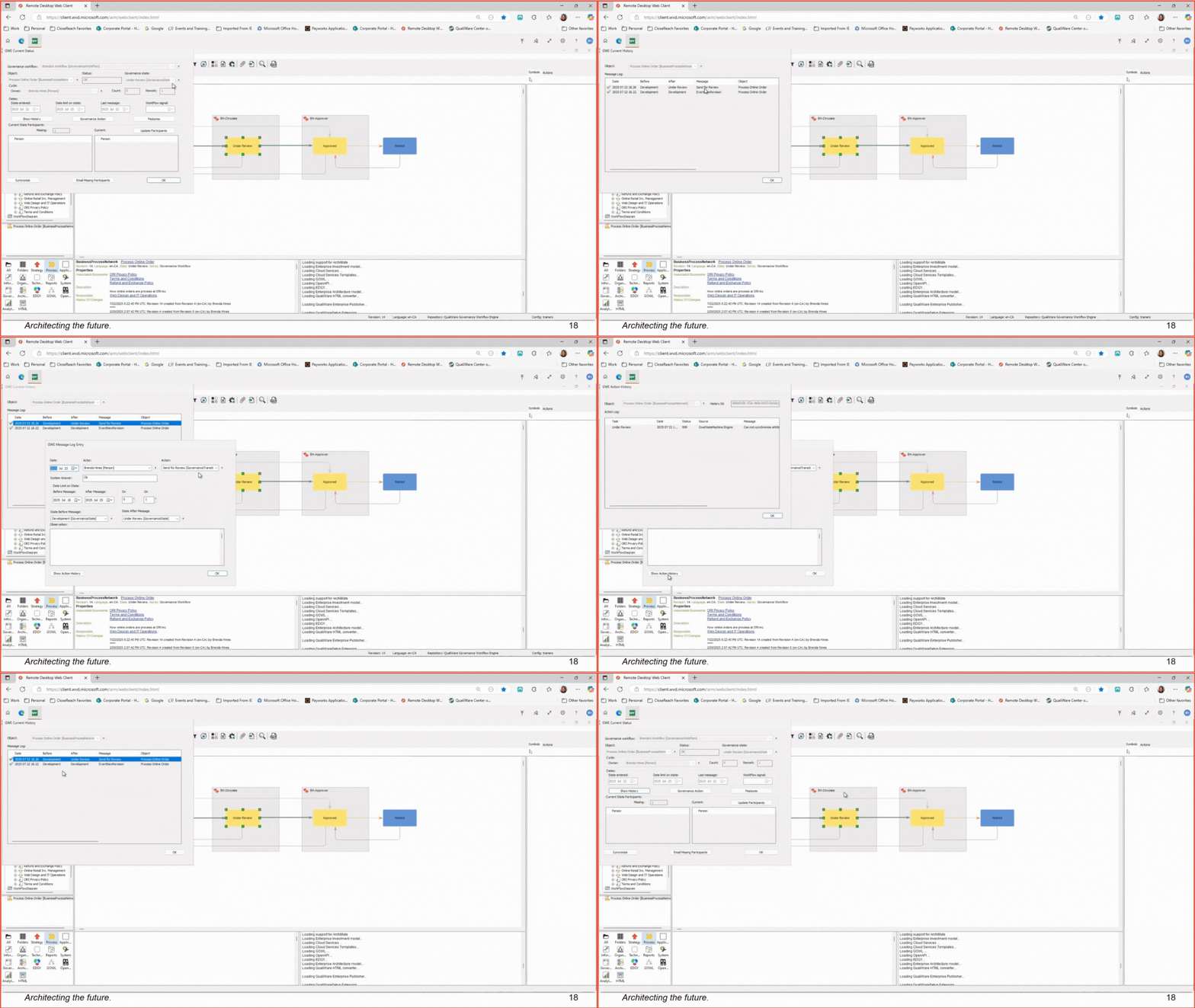
Check Who Changed What (Audit History) Drill into detailed activity using Show Action History to see every underlying event and user action behind a change. Open the governed item. Select Show History to view all governance transitions (before/after states, user, timestamp, and comments). For detailed logs, open Show Action History to see specific events and user actions.
![Untitled design (11).png]](https://customerportal.closereach.ca/hs-fs/hubfs/Untitled%20design%20(11).png?height=40&name=Untitled%20design%20(11).png)